Input and reference images
--input photo.pngedits that image.- A path after the prompt steers a new image in its style. The file itself is left alone.
Edit an image: --input
genimg "same logo, same style, but at dusk: deep indigo background, warm orange rim light on the fox, keep everything else" \
  --input fox_1.png \
  --model oai:gi2.5-flare
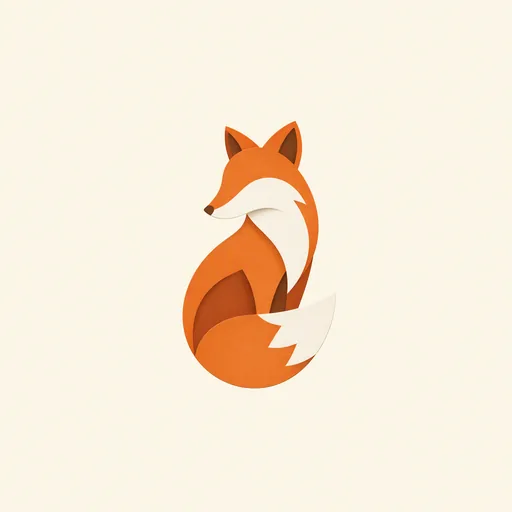
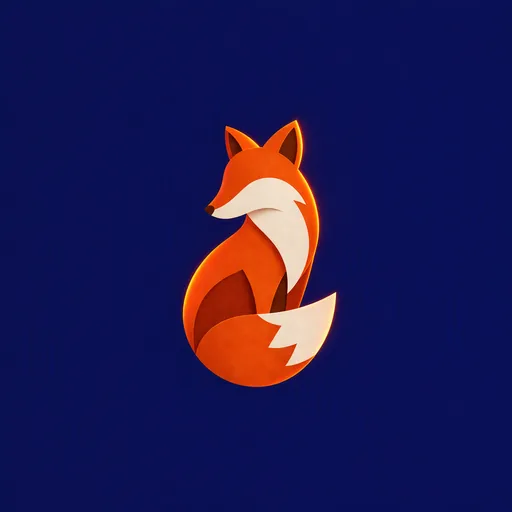
The mark, pose and paper-cut style survive. Only what the prompt named changed. To chain edits,
feed the last output back in; genimg history records each input.
Steer with a reference
genimg "a raccoon character in exactly this paper-cut style and palette, one centred mark" \
  fox_1.png \
  --model oai:gi2.5-flare
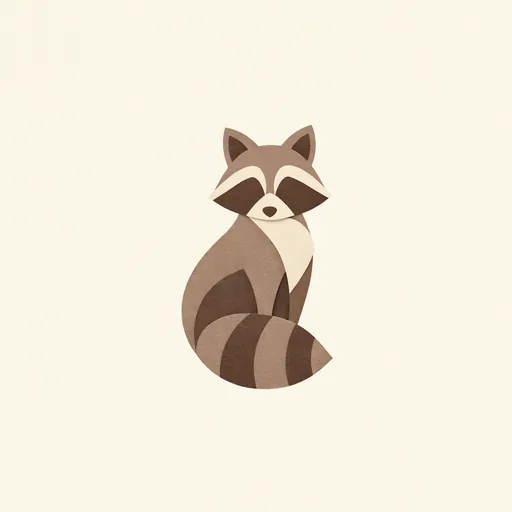
A new subject in the reference's style and palette.
Both at once
Edit one image and steer it with others. --dry-run shows which role each file got:
$ genimg "preserve this room; apply the approved design direction" \
    approved-concept.png palette.png \
    --input original-room.png \
    --model gdm:nb2 \
    --output room-v2.png \
    --dry-run
  input    original-room.png
  refs     #1 approved-concept.png
           #2 palette.png
Provider limits
| Provider | Accepts |
|---|---|
| Google Gemini | input and references, any common raster format |
| OpenAI GPT Image | up to 16 images, PNG, JPG or WEBP, 50 MB each |
| Codex | input and references; Codex decides how to use them |
Each chained edit drifts further, so for several views of one subject, edit the same source once per view. The image-to-app skill works this way.