Grid and carousel
A grid is one HTML file that shows a set of images side by side. It needs no server, so you can open it with a double-click or send it on.
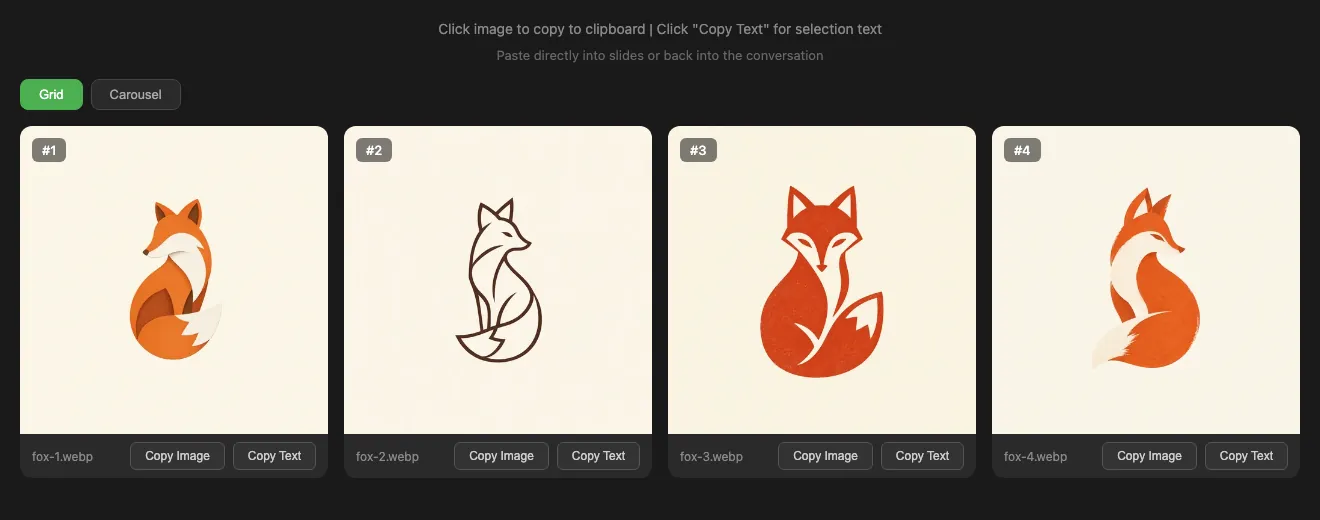
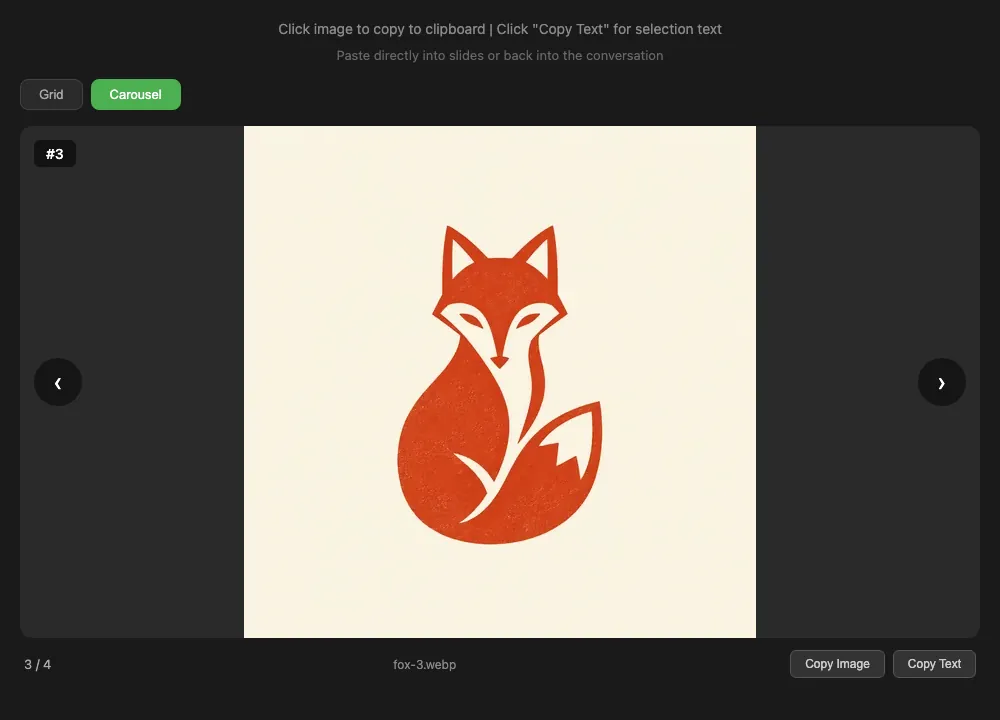
Copy Text copies I choose #3 (fox-3.webp), ready to paste back to an agent.
Can't decide? Run a tournament
With 3 to 20 images, Tournament shows two at a time. Click the one you prefer, or press ← or →, until one is left: eight images take seven picks. Tick Top 3 for a third place.
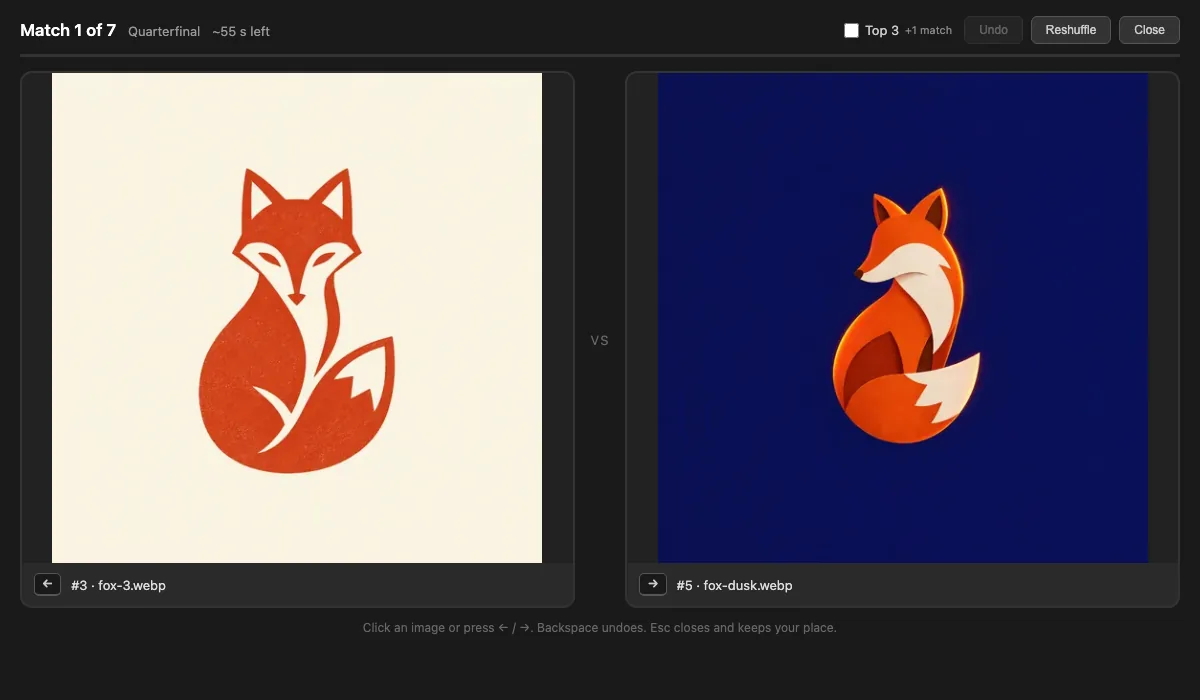
The winners get badges on the grid and survive a reload. Copy result (JSON) gives an agent the winner, the ranking and every pick.
Try it for yourself
This is the grid the first command wrote. Press Tournament, or switch to the carousel.
Grids from a generation
Add --grid to write a grid with the images:
It also shows the prompt, model, estimated cost and each card's
delta, and lands in ~/.genimg/grids/.